The settings described on this page are located in the ComfyUI in-app settings menu. You can open it by navigating to Settings (gear icon) or using the
Ctrl + , keyboard shortcut, then select the corresponding category to view and configure these options.Brush Adjustment
Brush adjustment speed multiplier
- Function: Controls the speed of brush size and hardness changes during adjustment
- Description: Higher values mean faster changes
Lock brush adjustment to dominant axis
- Function: When enabled, brush adjustment will only affect size or hardness based on the direction you move
- Description: This feature allows users to more precisely control brush property adjustments
New Editor
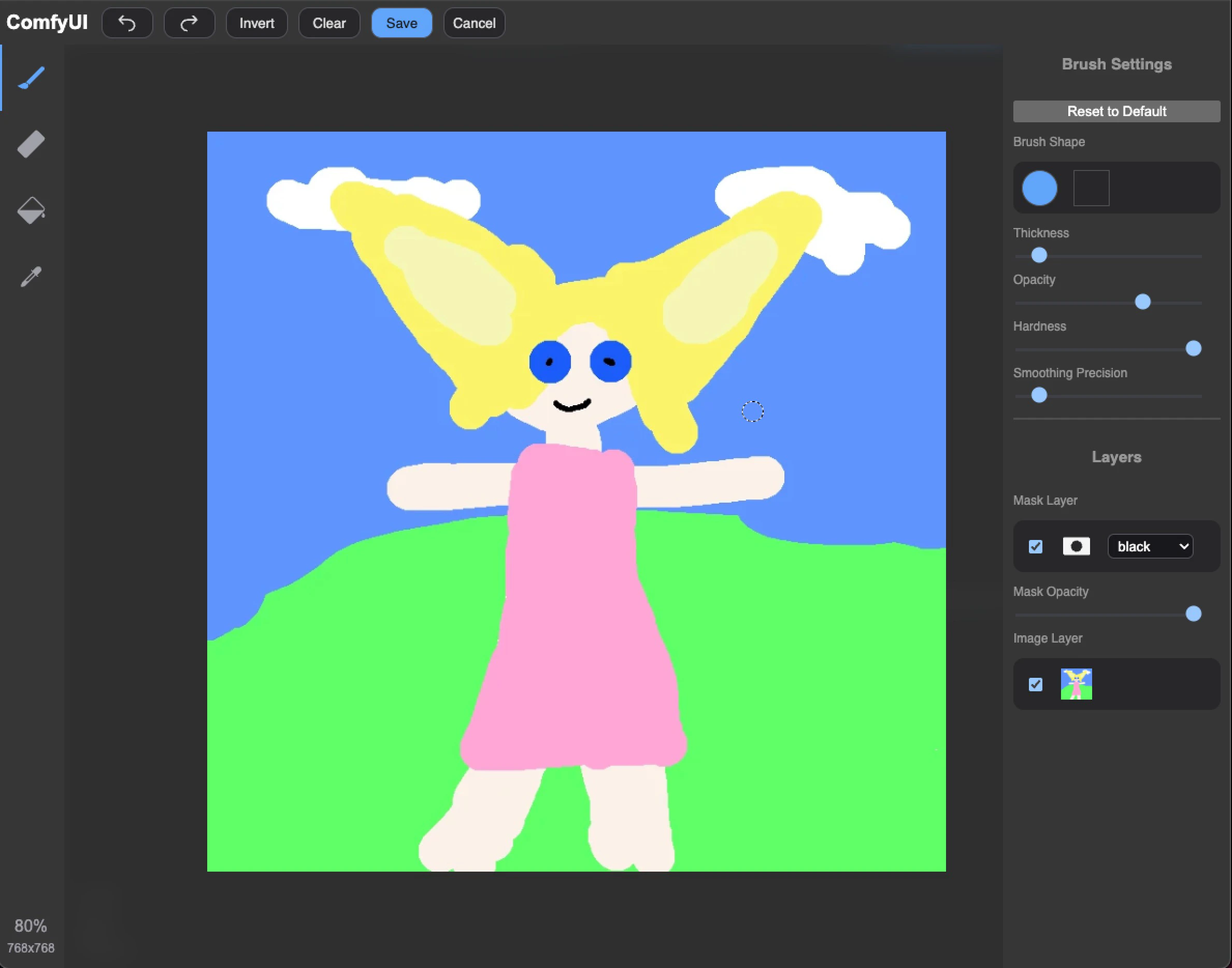
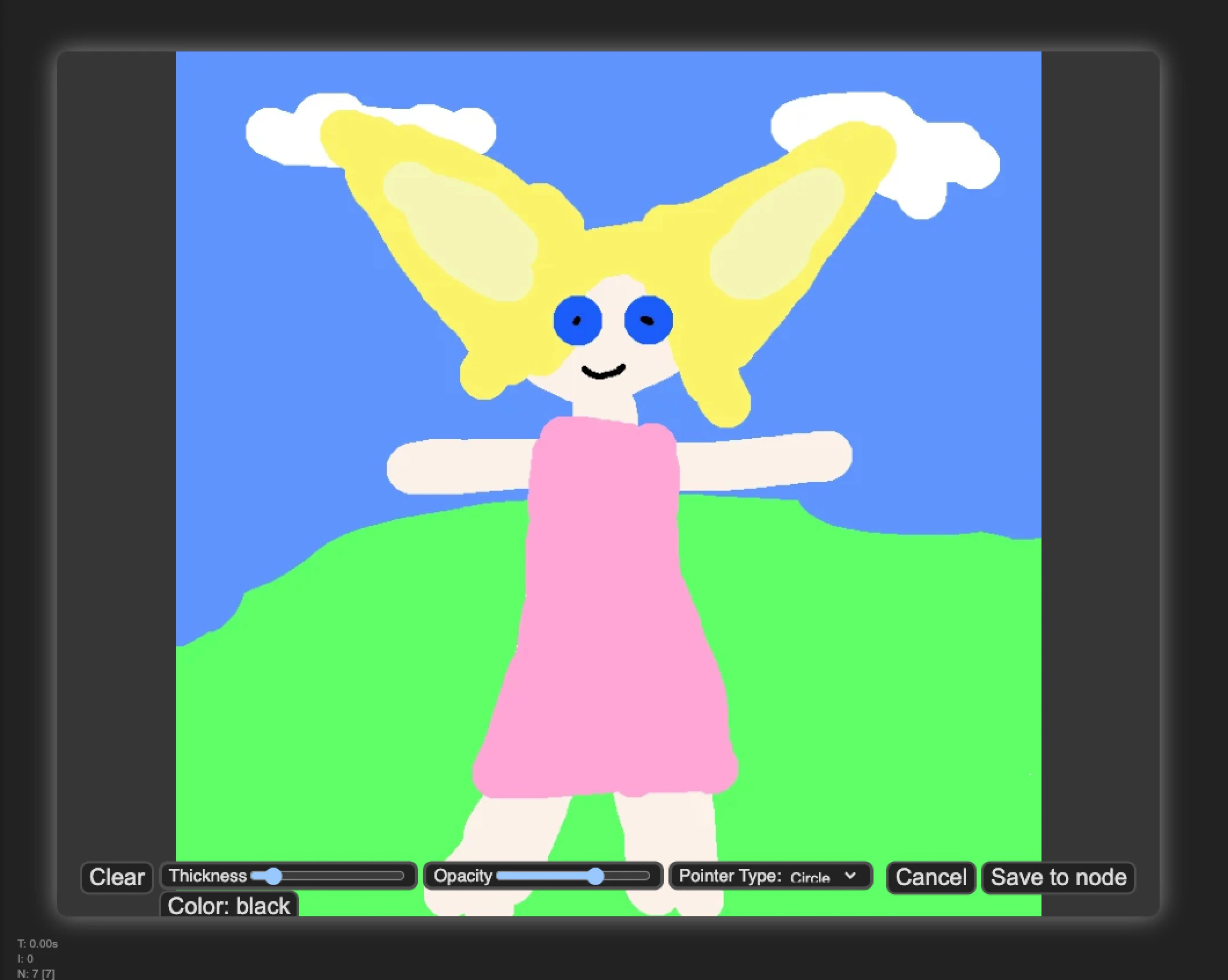
Use new mask editor
- Function: Switch to the new brush editor interface
- Description: Allows users to switch between new and old editor interfaces
- New Editor
- Old Editor
The new version has a better UI interface and interaction, with more complete functionality