

The settings described on this page are located in the ComfyUI in-app settings menu. You can open it by navigating to Settings (gear icon) or using the
Ctrl + , keyboard shortcut, then select the corresponding category to view and configure these options.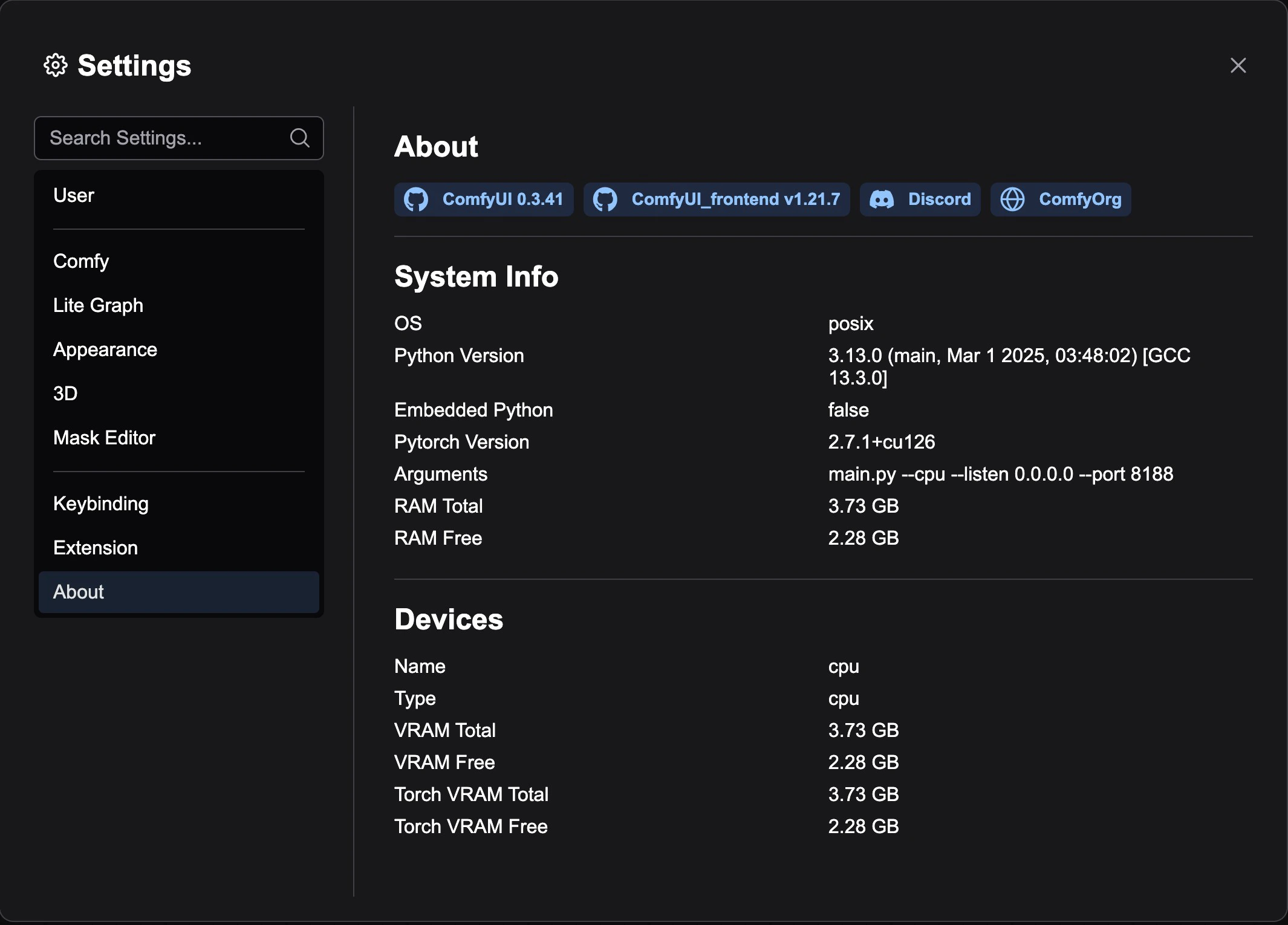
Version Information Badges
The About page displays the following core version information:- ComfyUI Version: Shows the backend ComfyUI version number, linked to the official GitHub repository
- ComfyUI_frontend Version: Shows the frontend interface version number, linked to the frontend GitHub repository
- Discord Community: Provides a link to the ComfyOrg Discord server
- Official Website: Links to the ComfyOrg official website
Custom Node Badges
If custom nodes are installed, the About page will also display additional badge information provided by custom nodes. These badges are registered by each custom node through theaboutPageBadges property.
System Info
The bottom of the page displays detailed system statistics, including:- Hardware configuration information
- Software environment information
- System performance data
Extension Developer Guide
Extension developers can add custom badges to the About page by adding theaboutPageBadges property to their extension configuration: